Free · No download · Mobile & desktop
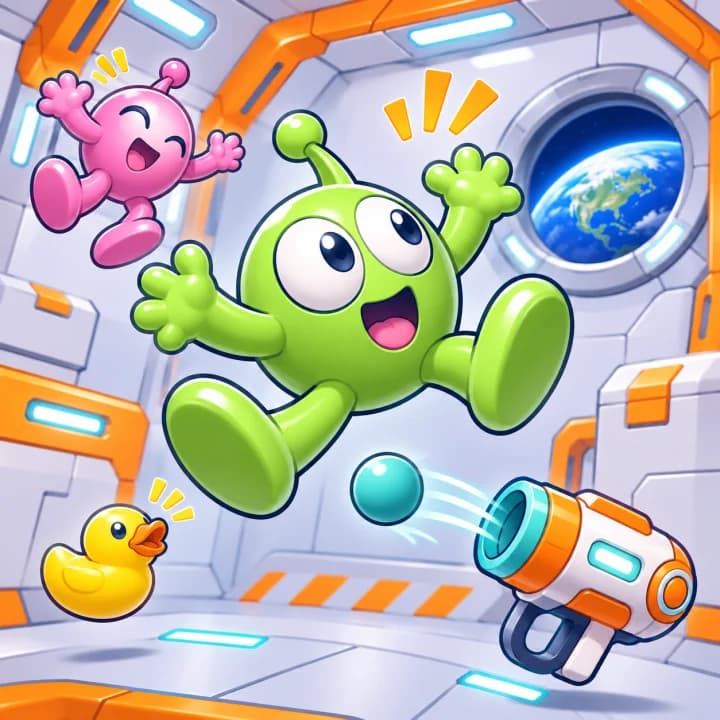
Zero-Gravity Space Station
Free · No download · Mobile & desktop
Zero-Gravity Space Station One-Button Physics Game
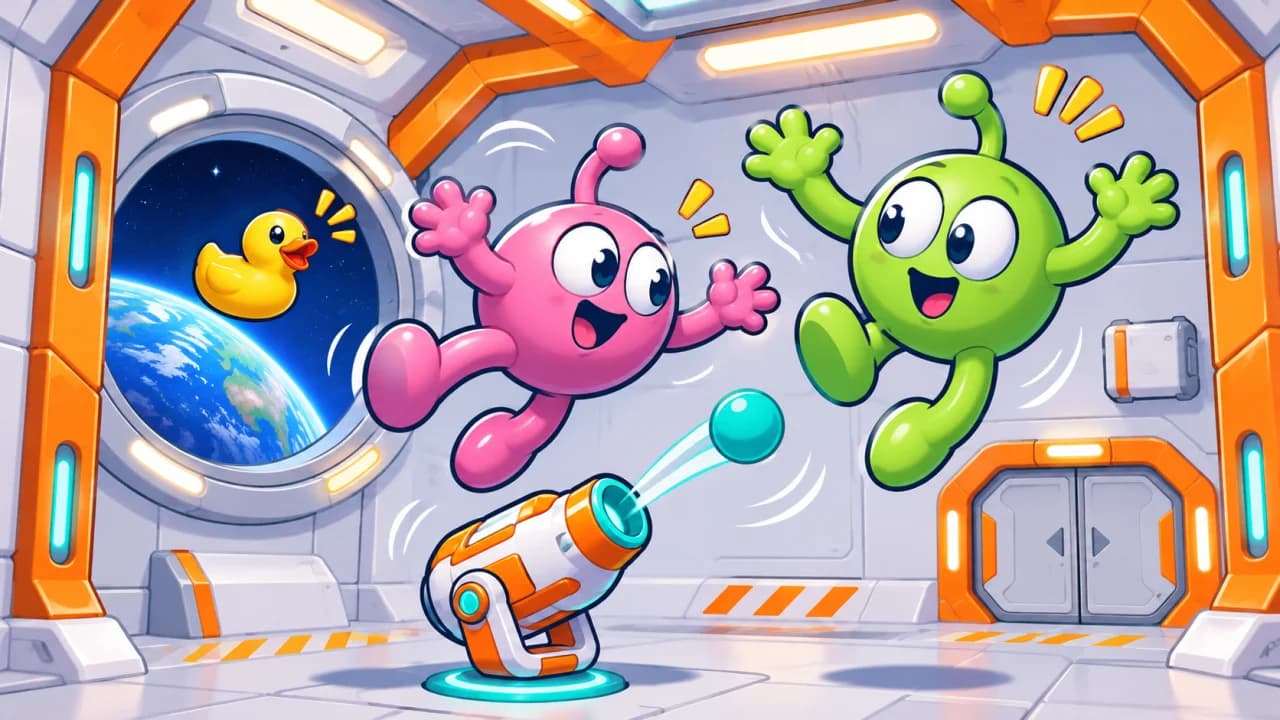
Fire a toy launcher, let recoil spin it, then time the next shot to knock rubber ragdolls around the station. The in-game interface is in Chinese.
How to play
Zero-Gravity Space Station is a one-button physics game built around timing. Every shot pushes the toy launcher off course. Instead of aiming with the mouse, wait for the guide line to swing past a target and fire at the right moment. The current in-game interface is in Chinese.
Use the room
A solid guide line shows a direct shot; a dashed line shows a bounce. A ricochet or an airlock switch can clear targets that are hard to reach head-on. After your last shot, there is still time for a chain reaction to finish the room.
Play 60 campaign stages
Work through six chapters from the cargo bay to the control center. Each stage assigns a tool; learn how the ball launcher, foam extinguisher, glue, vacuum, ice and net handle rubber ragdolls differently. Use the armory to try tools without affecting campaign progress.
Controls
Desktop
Click the game area or press Space to fire. Press R to retry or Esc to pause.
Mobile
Tap the play area to fire. Play in portrait orientation and use the pause button to open the menu.
Tips
- 1Wait for the launcher to rotate into line instead of firing repeatedly.
- 2Watch for a dashed bounce path or an airlock switch before spending another shot.
- 3Let the last shot settle; chain reactions can finish a level even when your ammo is gone.
FAQ
More games like this
All games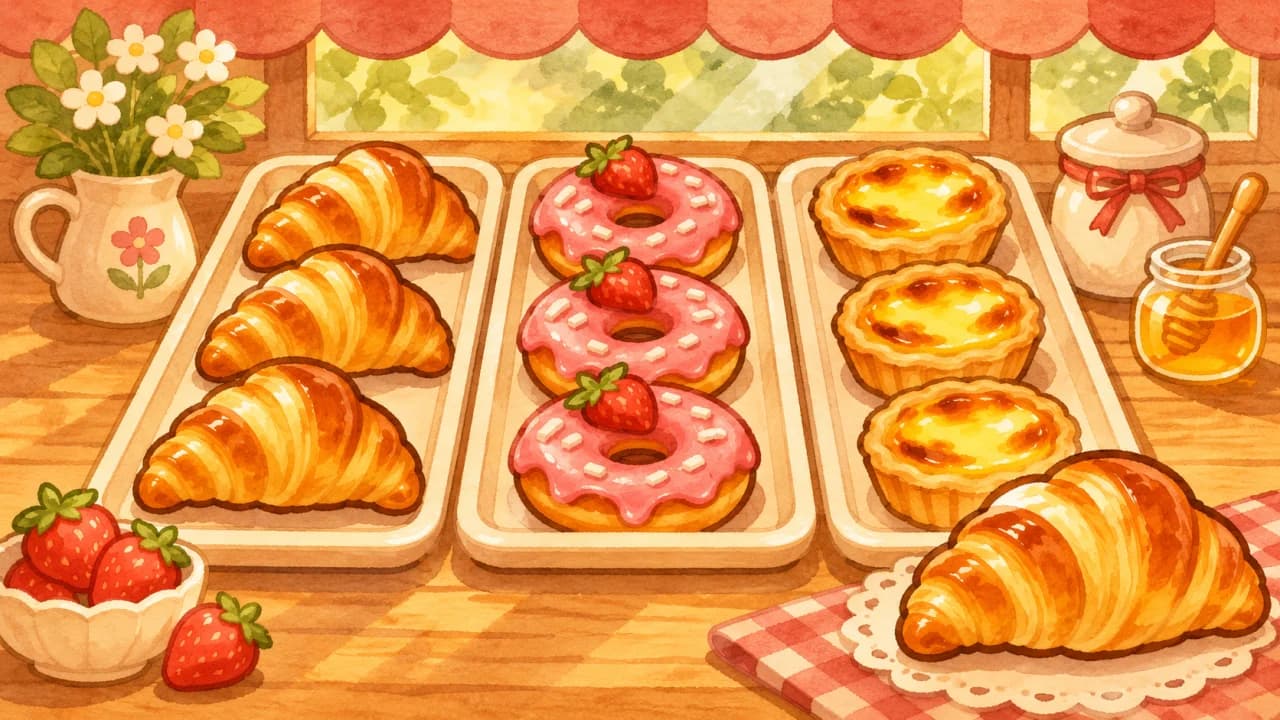
Bakery Sort
Match three pastries on one tray, serve the orders in line, and clear the counter before closing time. The current game interface is in Chinese.
Puzzle
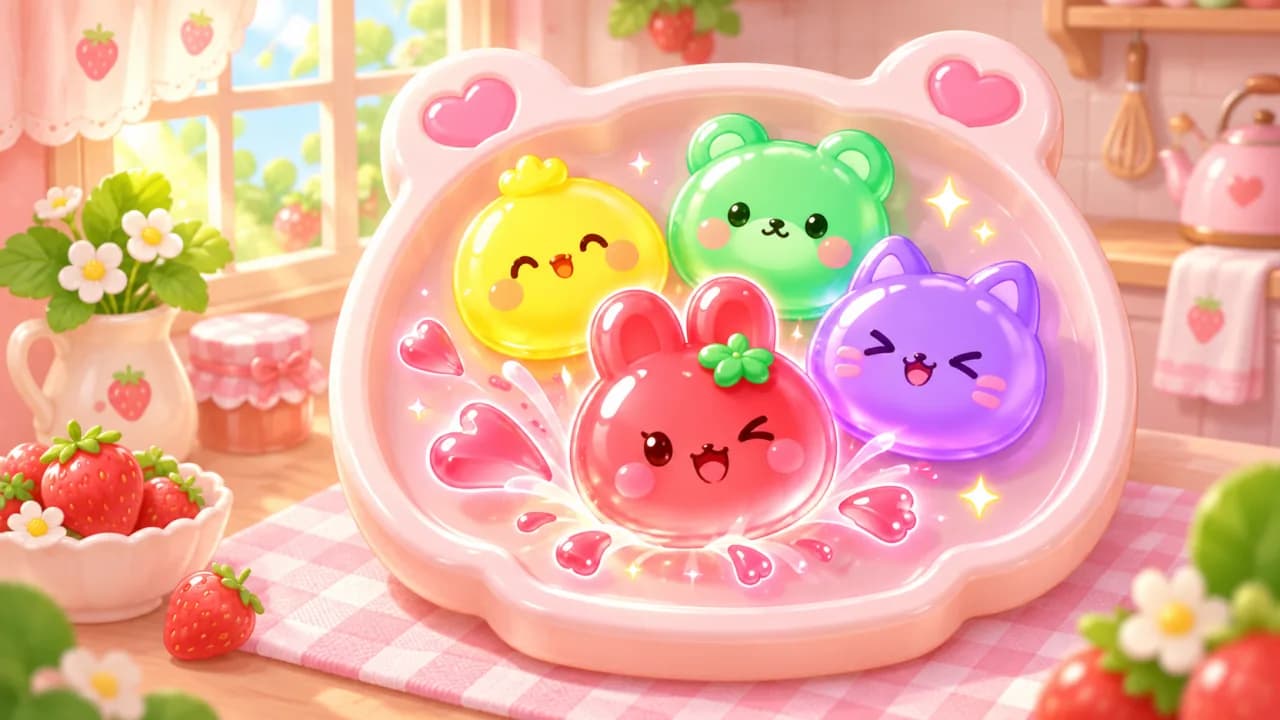
Jelly Pop Pot
Tap clusters of matching jellies and meet each level’s goals before you run out of moves. The current build has a Chinese in-game interface.
Puzzle